One-photo authority guide & generator
How to Make Bulin 47 AI Video
How to make a Bulin 47 AI video: upload one clear portrait photo, run the free photo check, verify your likeness alignment in front of the red door, select a transparent one-time video pack, and download the 100% watermark-free vertical MP4. When posting to TikTok or Instagram Reels, sync the video with the trending sound at the 0:09 beat drop for maximum algorithm reach.
What you need
Input checklist for 100% face consistency
- ✓One adult or pet portrait photo
- ✓Face and upper shoulders clearly visible
- ✓Explicit subject permission & consent
Five rules for a photo that works
- 🎯
Face the camera
Straight on, or within a few degrees. Three-quarter profiles swap poorly.
- ☀️
Even, soft light
Face a window or soft daylight. Avoid hard shadows across half your face or heavy backlight.
- 👓
Nothing on your face
No sunglasses, mask, hand, or hair across eyes. Avoid hat brims that shade the eyes.
- 👤
One person, close enough
Only you in frame, with your face filling at least a tenth of the picture. Face and shoulders is ideal.
- 📸
Sharp and big enough
At least 320 px on the short side, in focus. A fresh photo beats a low-res screenshot.
Adults only (18+): Adults only (18+), and only people who have said yes. Minors, celebrities, and unauthorized likenesses are strictly blocked. See Responsible use.
- 1. Upload photo
- 2. Choose quality & length
- 3. Pay & render
Drop a photo or click to upload
JPG, PNG or WebP
Face the camera, one person, good light, face and upper body visible. No sunglasses or heavy filters.
The photo check is free and you see the exact price before you pay. Failed renders are refunded automatically.
Output: 720p / 1080p HD · 9:16 Vertical MP4 · Failed renders refunded automatically
How to Make Bulin 47 AI Video: 4 Simple Steps
Follow our complete guide on how to make Bulin 47 AI video clips to transform one photo into a viral, algorithm-ready Dominican dembow dance video in front of the iconic red door.
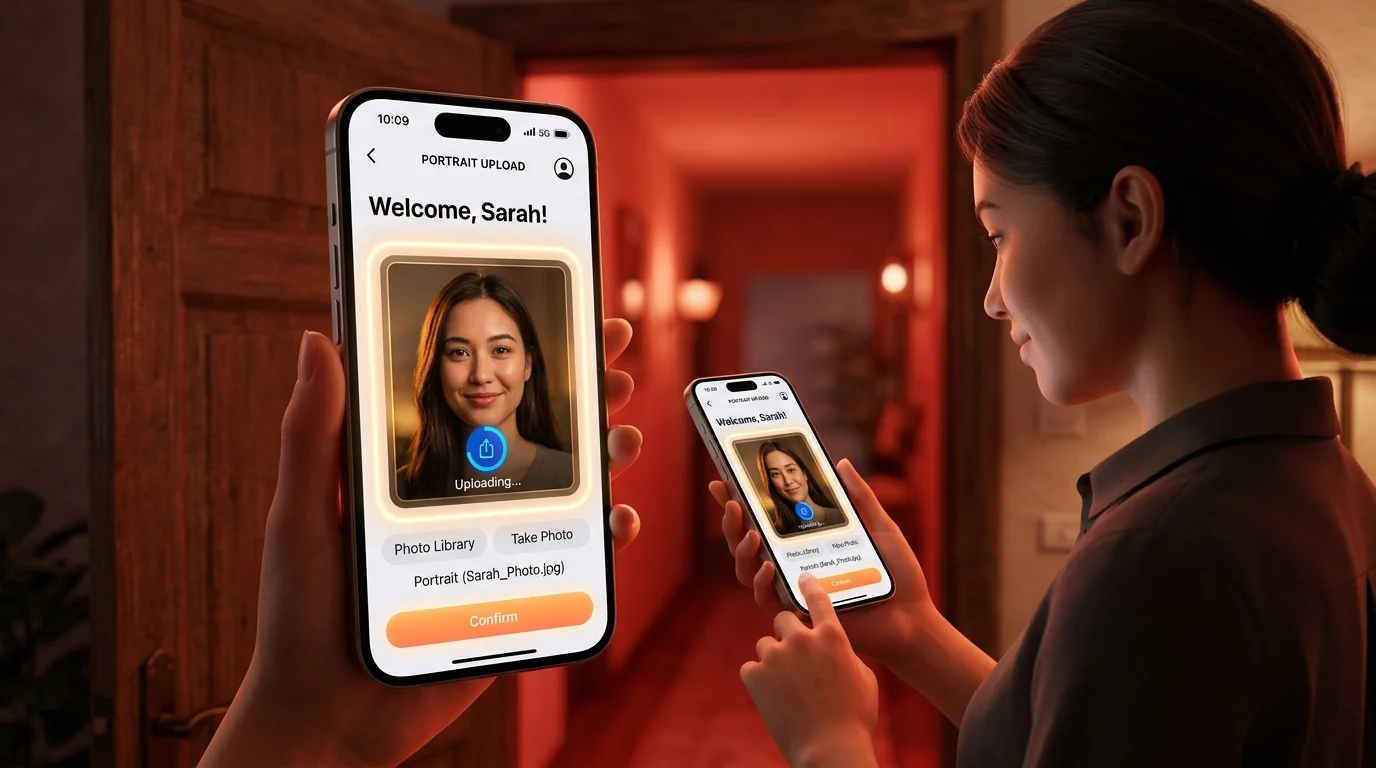
Upload one clear portrait photo
Choose a high-resolution, front-facing photo of yourself, a friend, or a pet with even lighting. Ensure the eyes, face, and upper shoulders are clearly visible without heavy sunglasses, obstructive hats, or motion blur. The system runs an automated client-side quality check to verify face geometry and lighting before you proceed.
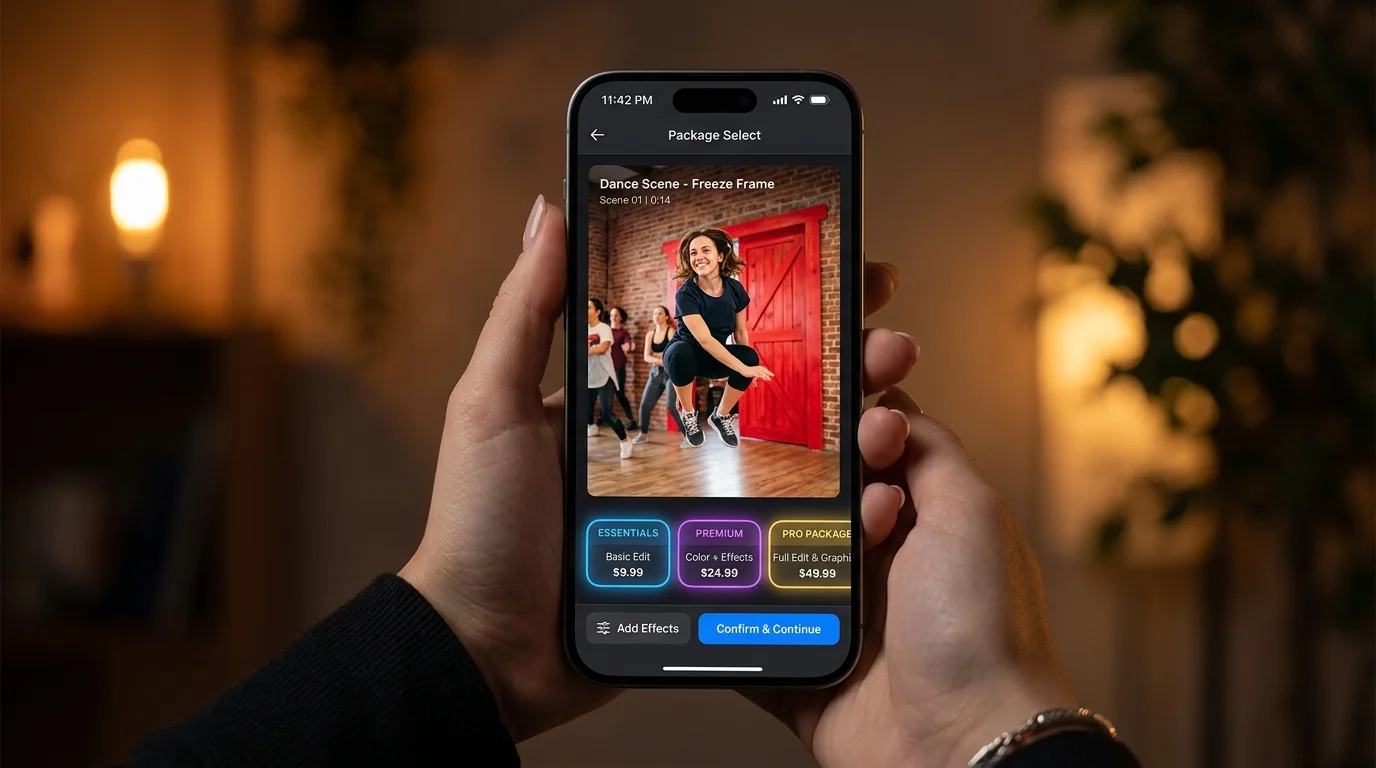
Review instant photo check & configure your render
Before spending any money or creating an account, our engine runs an automated client-side quality detection checking facial landmarks in front of the Dominican red-door storefront. This allows you to inspect facial placement, skin tone integration, and lighting balance with zero risk.

Choose a transparent video pack & render asynchronously
Select a single-purchase pack (Starter $8.90 for 1 video, Value $24.90 for 5 videos, Creator $59.90 for 20 videos). Every paid export is 100% watermark-free in 720p HD vertical 9:16 format. Cloud GPUs render the full 15-second motion sequence in 60–120 seconds. If an AI render ever fails, your credit is immediately returned.
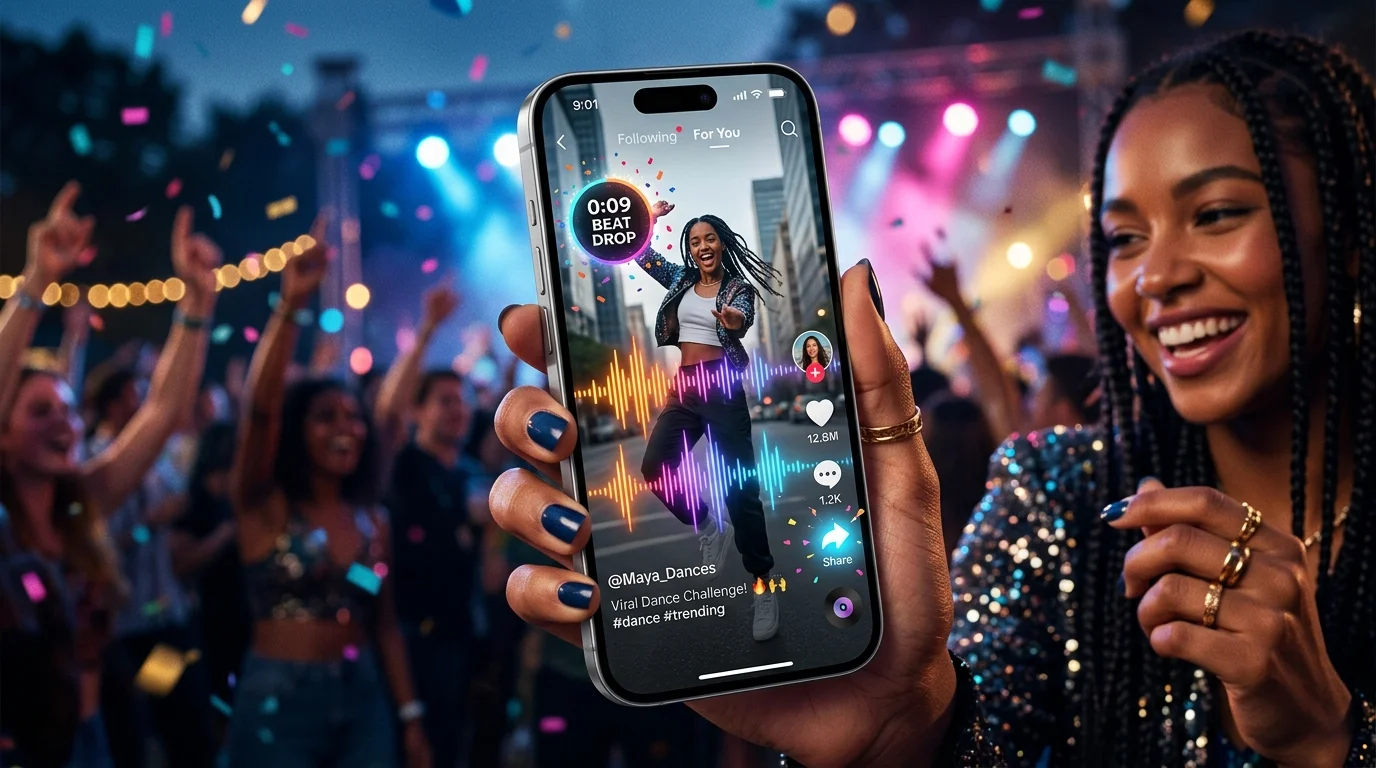
Download clean HD MP4 & sync TikTok sound at 0:09
Download your clean MP4. To maximize viral reach on TikTok, Instagram Reels, and YouTube Shorts, select the official trending audio "Dame Hombro - Bulin 47 & Kevin Wai", mute the video's background sound, and align the playback start point at exactly the 0:09 beat drop.
How to Make Bulin 47 AI Video: Choose the Right Method
Compare our dedicated Bulin 47 one-photo generator against general-purpose video models, multi-step diffusion editors, and 2D CapCut cutout templates.
Swipe the table to compare tools →
| Feature & Experience | Bulin47.website (Dedicated Generator) | Higgsfield AI (Genjutsu Model) | ByteDance Dreamina | CapCut Video Template |
|---|---|---|---|---|
| Best For | Fastest, highest-consistency viral recreation | Advanced AI animators wanting experimental control | Multi-step frame-by-frame diffusion editing | Quick 2D static cutout overlays |
| Input Needed | 1 clear photo | Multiple images + text prompt | Image + motion brush | 1 photo |
| Watermark & Cost | 100% Watermark-Free · From $8.90 one-time (no subscription) | Watermarked unless on $29–$49/mo subscription | Watermarked on free tier; recurring subscription | Free with CapCut watermark/branding |
| Effort & Failure Risk | Zero prompts, 1 click; motion and choreography pre-mapped | High effort; requires prompt tuning, negative prompts, and motion sliders | Moderate-high; requires manual dance masking and camera calibration | Low effort, but lacks realistic 3D body rotation and motion-conditioned dance |
If your goal is to put yourself authentically into the viral Dominican street dance without prompt engineering or monthly subscription traps, our dedicated one-photo generator provides the most reliable result.
What Happens in a Bulin 47 AI Video? (0–15s Timeline)
The workflow keeps a fixed motion and camera reference, then reconstructs the lead subject from your photo. The crowd, speaker and red lighting are scene elements; the subject identity is the part being replaced. The hardest frames are the ones where a speaker, phone or arm covers the face, and the quick turn back into the camera.
Verse & Street Gestures
Establishing identity in front of the iconic red door. Ambient Spanish daylight harmonizes with your facial highlights.
Glance & Partial Occlusion
First rapid camera pan and slight 45° head tilt. Foreground crowd movement enters frame while 3D geometry holds.
Pre-Chorus Arm Movement
Pre-chorus dembow buildup with energetic hand gestures and dynamic street crowd reactions.
"Dame Hombro" Shoulder Bounce
★ The viral peak! Signature shoulder-shake groove drops with the heavy beat. Rapid kinetic bounces synchronized to audio.
Return to the Crowd
Smooth turn back to rejoin the cheering street group. Camera dollies back while preserving expression consistency.
What Stays 100% Intact
The vibrant red door background, surrounding Madrid crowd, loudspeaker prop, original rhythm, and camera dolly movement are fully locked.
- •Original Madrid street scenery
- •Cheering background crowd & speaker
- •Master video choreography & tempo
What Gets Seamlessly Replaced
The lead dancer’s face, hair framing, skin tone shading, and upper body proportions are reconstructed from your single uploaded portrait.
- •3D Facial landmarks & eye gaze
- •Realistic skin-tone lighting match
- •Upper-body movement kinetics
The Most Challenging Moments
The model is pushed hardest during rapid 180° head turns, foreground arm occlusions, and sudden lighting flare transitions.
- •Fast 180° rotation back to crowd
- •Hand gestures crossing facial plane
- •Extreme expression transitions
Timeline guide: 0–5s verse and gestures · 5–7s glance and partial occlusion · 7–9s arm movement · 9–12s shoulder bounce · 12–15s return to the group. Use this to judge a sample rather than trusting one still frame.
Real Sample Output: Input Photo → Alignment Check → Playable 15s HD Video
We show the input photo, the alignment check and the playable result together because a still image cannot prove motion stability. The system is designed to preserve the template's timing and camera path while adapting the lead subject. It can still drift during fast turns, hand occlusion, extreme expressions or very small faces. We do not promise an identical likeness in every frame.

User Portrait

Red-Door Alignment
Consenting adult · 15s · 720p · 9:16 · generated 2026-10-12 · results vary
How to Fix a Weak Bulin 47 AI Video
If your video displays motion softening, color mismatch, or facial drift, find your symptom below for an immediate diagnostic fix.
Face changes after a turn
Likely cause:
Rapid 180° head turns require clear jawline, cheekbone, and ear structural definitions in the source photo.
Recommended fix:
Choose a sharper, front-facing photo with more visible upper body detail and neutral expression.
Skin tone looks too red
Likely cause:
The Dominican storefront scene is illuminated by intense red doorway ambient lights and storefront signage.
Recommended fix:
Use a neutral daylight photo. Avoid pre-filtered warm selfies; our model balances scene lighting automatically.
Hands or phones distort the face
Likely cause:
Foreground objects (sunglasses, masks, hair, hands) disrupt 3D landmark tracking vectors.
Recommended fix:
Keep face completely unobstructed in your input. Ensure eyes, nose, and mouth are fully visible.
Video is silent
Likely cause:
Licensed dembow master audio is intentionally omitted on some exports to comply with regional platform licensing.
Recommended fix:
Add the official "Dame Hombro" sound inside TikTok or Reels and align to 0:09 for viral algorithmic reach.
Result is blocked by safety filter
Likely cause:
Automated moderation flagged minors, celebrities, or suspected non-consensual likeness.
Recommended fix:
Verify age and consent rules. Never upload minors, public figures, or anyone without explicit permission.
Ready to test with a sharper photo?
Our client-side quality detector checks luminance, sharpness, and single-face geometry instantly for free.
How to Post Your Bulin 47 AI Video
Follow these five platform posting steps to ensure proper music copyright clearance and maximize your algorithmic viral reach on TikTok and Instagram Reels.
Download the MP4 and keep the 9:16 crop.
In TikTok or Reels, start a new post and select Add sound.
Search for the official Bulin 47 / “Dame Hombro” sound available in your region.
Turn on the platform’s AI-generated label when required.
Credit the source or template where the platform asks for it, and do not imply endorsement.
#Bulin47AI#DameHombro#DominicanDembow#Bulin47#MadridFreestyle
Audio availability varies by country and account. A clean export is intentional when the licensed track cannot be bundled. Align playback start point at exactly the 0:09 beat drop.
Privacy, Consent, and Limitations
Only upload a photo you own or have permission to use. The page blocks minors, public figures and deceptive impersonation. Show the retention period beside the upload control, link to deletion requests, and state whether files are used for model training. The tool is an independent fan-made project and is not affiliated with Bulin 47, Kevin Wai or their labels.
Strict Consent Verification Gate
Adult subjects (18+) only. Photos of minors, celebrities, public figures, and non-consensual likenesses are automatically blocked by our multi-tier moderation chain.
- •18+ Adult consent requirement
- •Multi-tier AI likeness moderation
- •Zero deceptive impersonation
24-Hour Auto-Destruction Policy
Your photo is transmitted over 256-bit SSL encryption, stored in temporary GPU memory strictly to render your video, and permanently destroyed within 24 hours.
- •256-bit SSL in transit
- •Temporary processing memory
- •Permanent 24h photo deletion
Zero AI Model Training Policy
We never sell user photos, license customer facial data to third parties, or use uploaded images to train our or third-party neural networks.
- •Never used for model training
- •Never shared with third parties
- •Complete user data sovereignty
Independent Fan-Made Notice
bulin47.website is an independent fan tribute project and is not officially affiliated with, endorsed by, or sponsored by Bulin 47, Kevin Wai, or their music labels.
- •Independent fan tribute tool
- •No endorsement implied
- •Original music rights respected
Read our Privacy Policy, Terms of Service, and Responsible Use Guidelines.
Pricing: How to Make Bulin 47 AI Video with One-Time Packs
We believe in complete pricing transparency without recurring subscription traps: test your likeness free with our automated pre-check before choosing a one-time pack.
Starter Pack
SAVE 10%Perfect for trying the viral trend once or testing your photo.
1 AI Video100% Watermark-Free
$8.90 per finished video
- 1 Full 15-Second HD Video (720p 9:16)
- 100% Watermark-Free MP4 export
- Pre-synchronized Dembow beat
- Standard GPU queue (60–120s)
- Credits NEVER expire — zero subscription
- Failed renders refunded automatically
Charged once · No auto-renew · Instant activation
Value Pack
SAVE 44%Best for friends, family duets, and testing different outfits & expressions.
5 AI Videos100% Watermark-Free
Only $4.98 per video (vs $8.90 Starter · Save $19.60)
- 5 Full HD Videos (Save 44%)
- 100% Watermark-Free MP4 export
- Priority GPU queue (60–90s render)
- Test 5 different photos or looks
- Credits NEVER expire — zero subscription
- Failed renders refunded automatically
Most creators choose this · Save $19.60 today
Creator Pack
SAVE 66%Built for TikTokers, meme pages, content agencies & high-frequency viral creators.
20 AI Videos100% Watermark-Free
Just $3.00 per video (Rock-bottom · Save $118.10)
- 20 Full HD Videos (Save 66%)
- 100% Watermark-Free batch exports
- VIP batch queue (fastest speed)
- Bonus TikTok 0:09 viral audio strategy guide
- Credits NEVER expire — zero subscription
- Failed renders refunded automatically
Lowest per-video cost · Save $118.10 total
Not sure which pack fits your need? Tap below to select:
MULTI-CHANNEL SECURE CHECKOUT VIA STRIPE
Bulin 47 AI Videos from $8.90 · No Subscription · Credits Never Expire · 100% Watermark-FreeFrom $8.90 · No Sub · Never Expire
Frequently Asked Questions: How to Make Bulin 47 AI Video
Got questions about video credits, payment safety, or export quality? Find direct answers below.
How to make Bulin 47 AI video for free, or is there a cost?
Do I need Higgsfield AI, Dreamina, or a CapCut template?
Are my downloaded videos 100% watermark-free?
How do I sync the video with the trending TikTok "Dame Hombro" 0:09 sound?
Dame Hombro - Bulin 47 & Kevin Wai, lower the video's original audio to 0%, and align your video start point at exactly the 0:09 beat drop. This signals the TikTok algorithm that you are participating in the official trending challenge.What photo produces the highest face consistency?
What happens if my render fails?
What happens to my uploaded photo? (Privacy Policy)
¿Está disponible esta guía en español?
Explore Our Specialised Guides & Resources
- Tool→
Bulin 47 AI Video Generator (Homepage Tool)
Turn one photo into a viral Bulin 47 freestyle dance video with instant client pre-check.
- Pillar 2 · Spanish→
Cómo Hacer el Video de Bulin 47 con IA (Español)
Guía completa paso a paso en español con el audio Dame Hombro y consejos de fotos.
- Pillar 3 · Origin→
What Is the Bulin 47 Video? (Lyrics, Kevin Wai & Origin)
The true story behind the Dominican freestyle filmed in front of the red door in Madrid.
- Pillar 4 · Benchmark→
Bulin 47 AI Alternatives Compared (Higgsfield vs Dreamina)
Benchmark comparison of dedicated generators, Genjutsu diffusion models, and CapCut.
- Pillar 6 · Pricing→
Video Pack Pricing, Costs & Refund Guarantee
Transparent one-time packs from $8.90 with automatic refund protection. Zero subscription.
Written and maintained by the Bulin 47 video editorial teamPublished Last updated